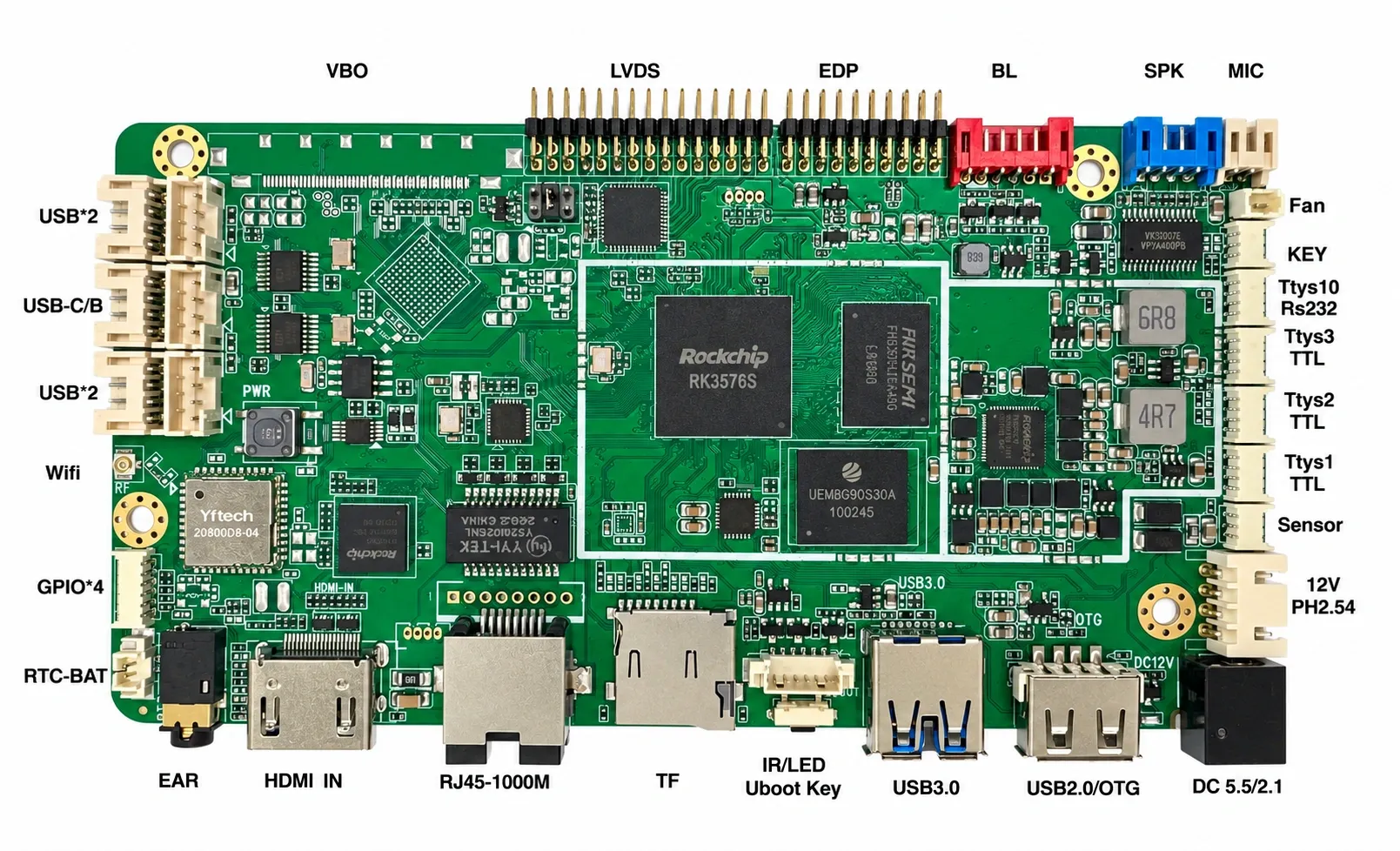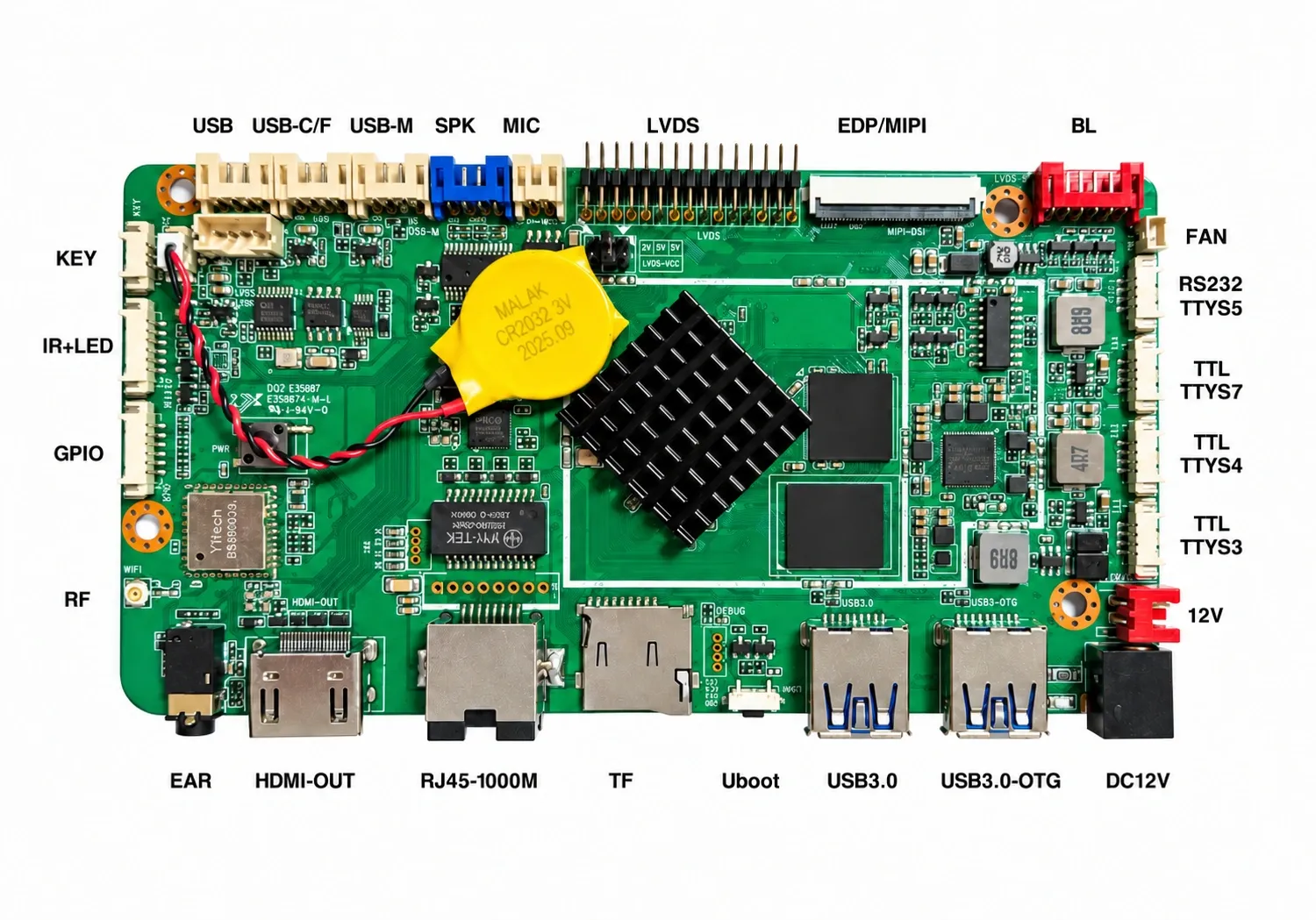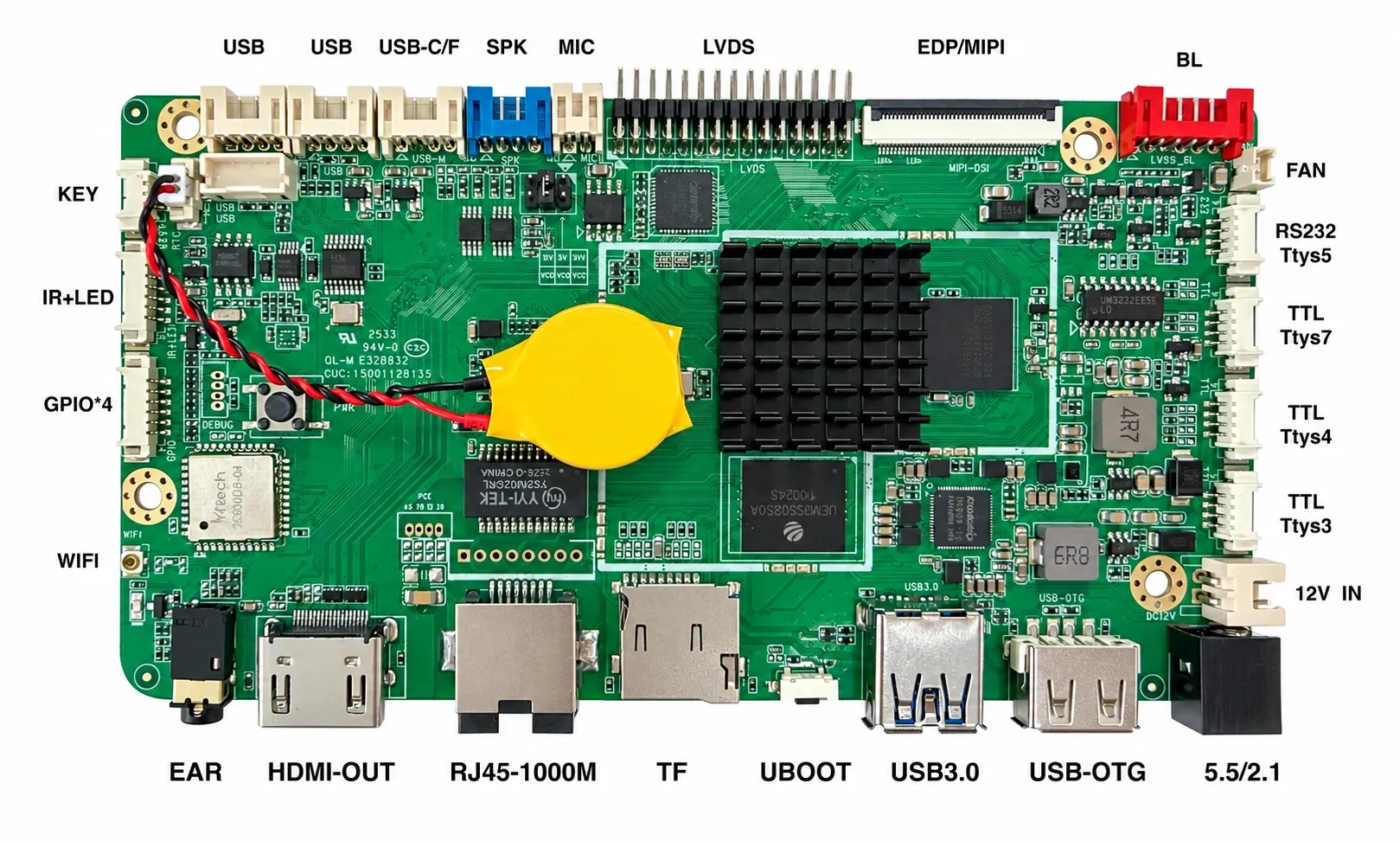
Digital Signage Publishing System
A web-based digital signage CMS: visual layout design, flexible scheduling, remote management of every screen, synchronized playback and playback reports.
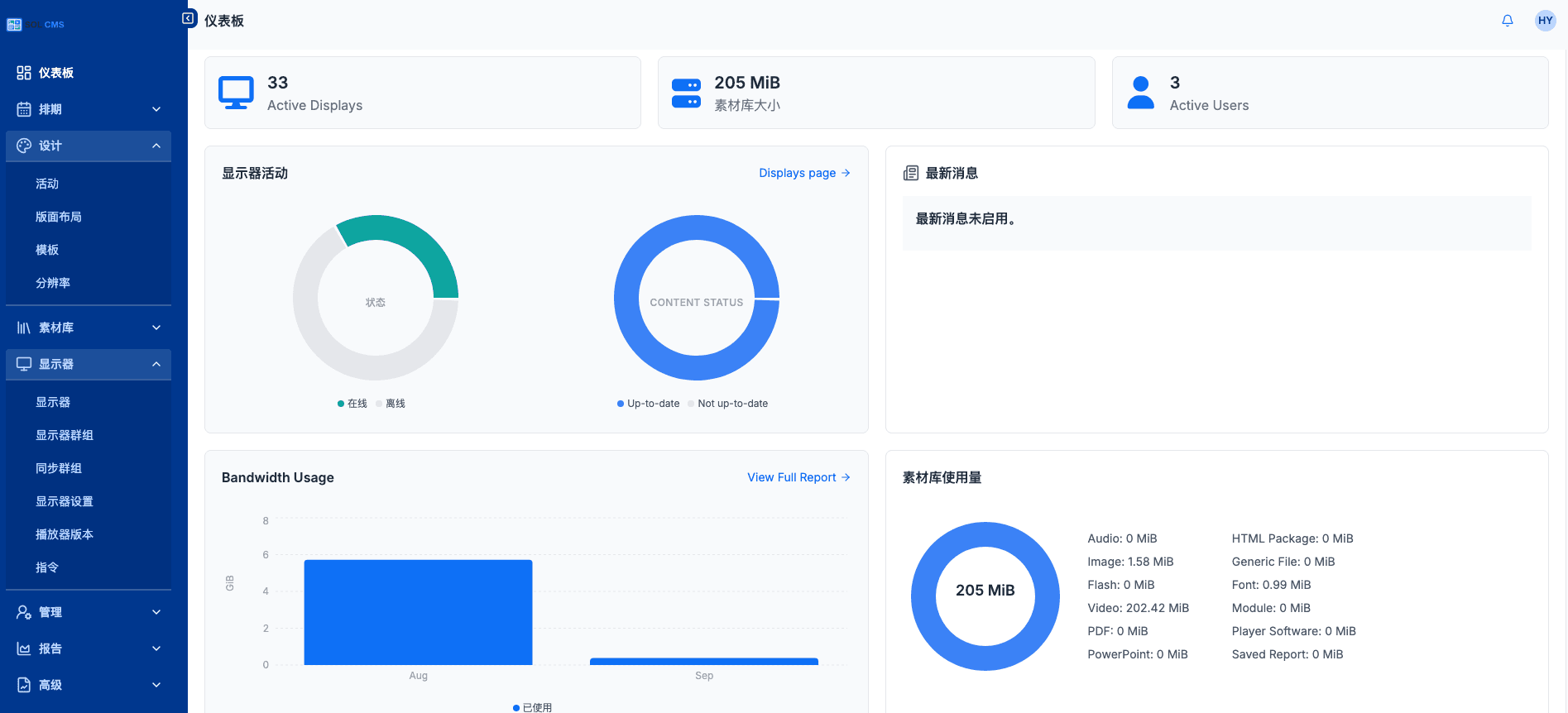
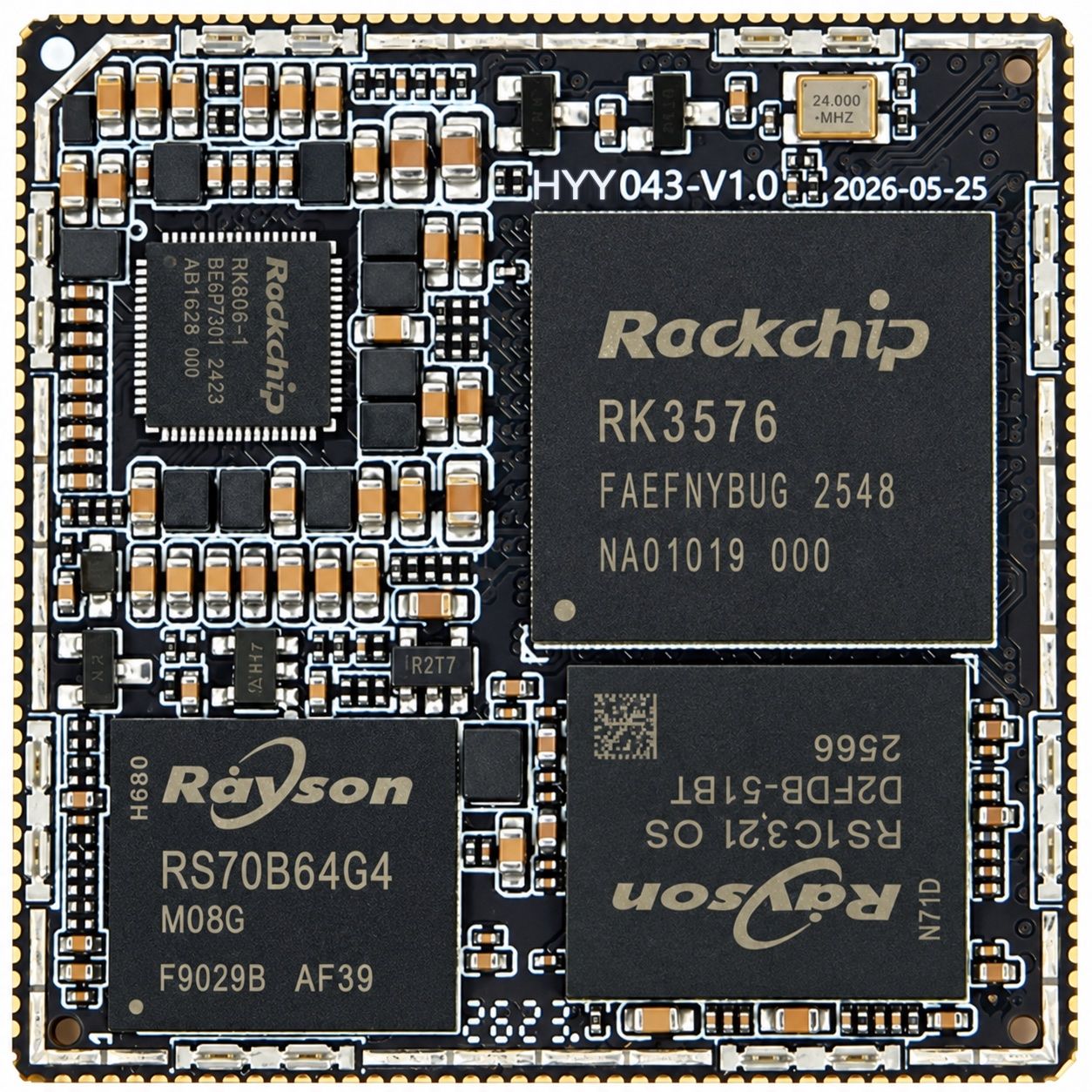
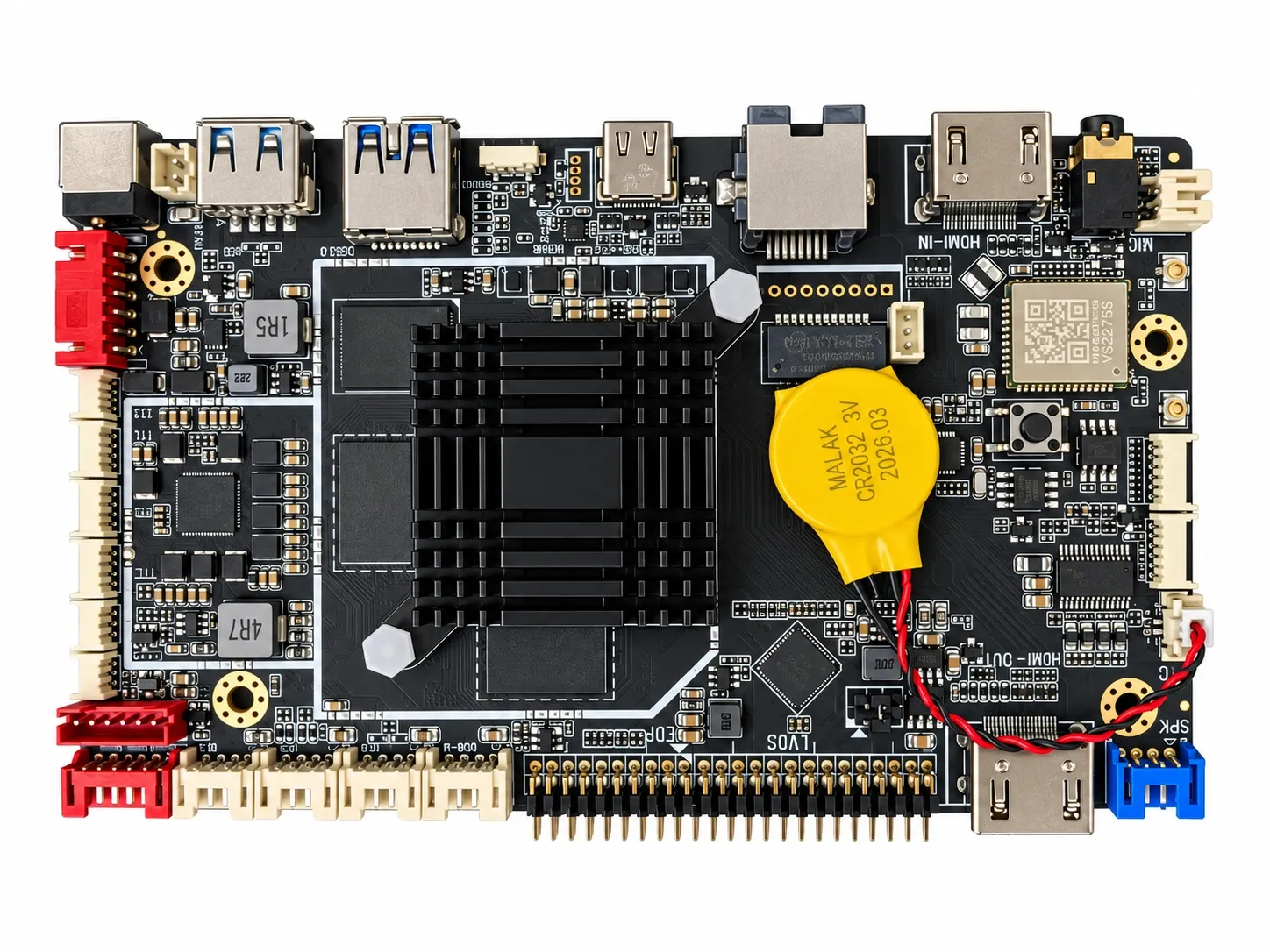
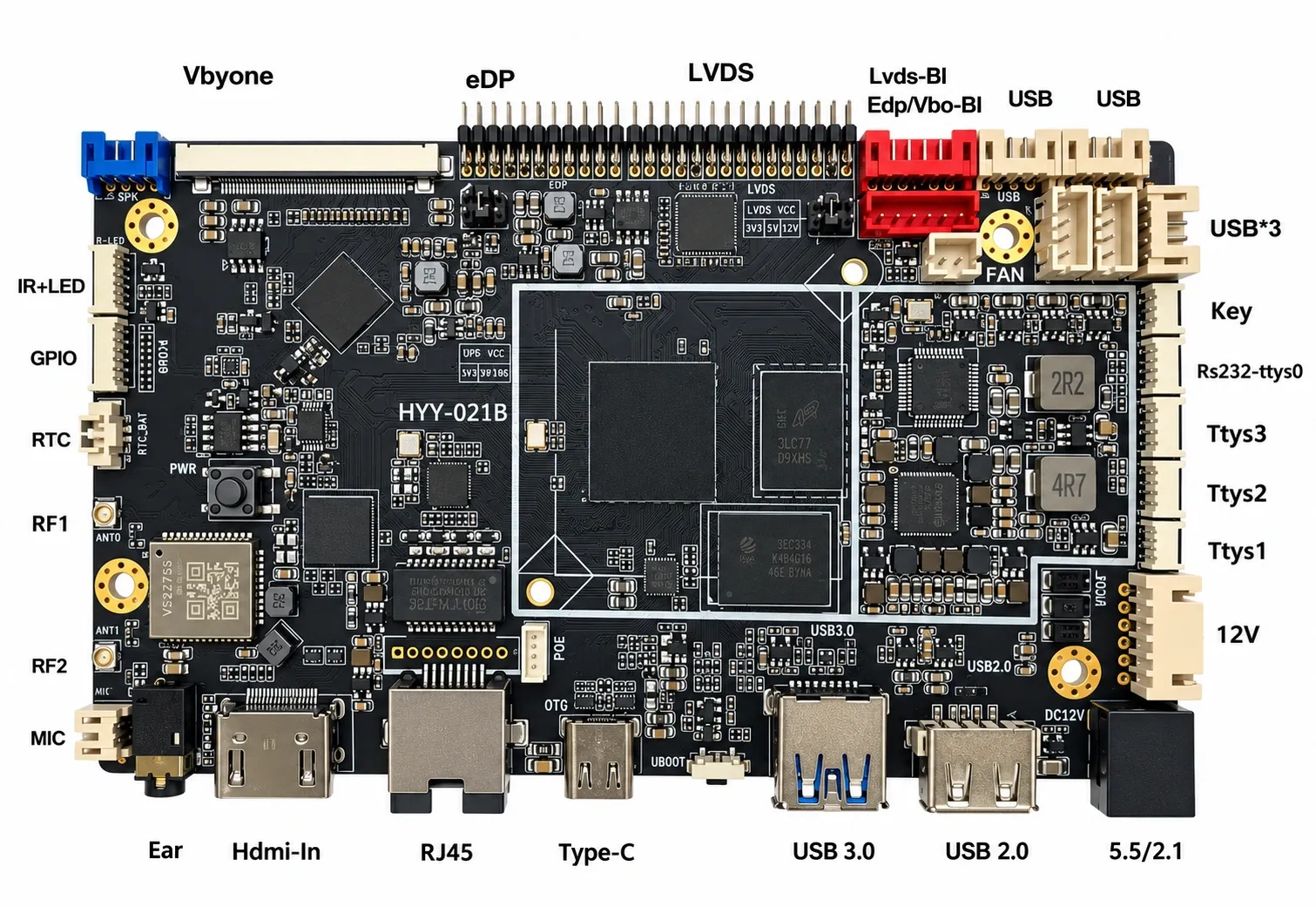
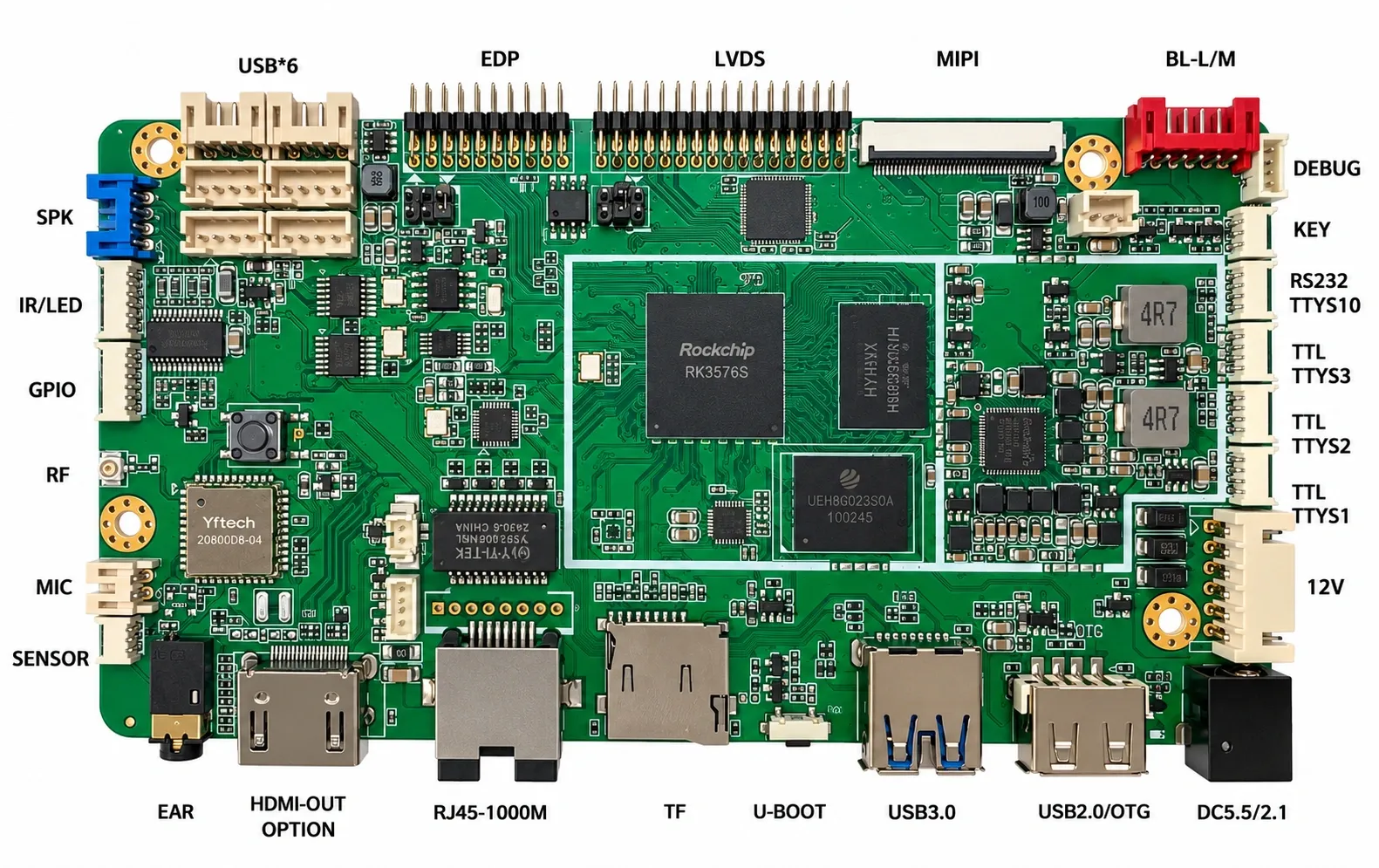
Our digital signage system is a browser-based content management platform. Operators upload media, design layouts and schedule playlists in one place, and content is delivered automatically to signage players wherever they are. Online status, content sync and playback data flow back in real time, so a single operator can run hundreds of screens. It is deployed on your own servers and can be delivered together with our commercial display mainboards and display SoMs.
How It Works
- Upload media
Images, videos, PDFs and web content go into one library, organised by folders and permissions. - Design layouts
Drag and drop in a visual editor and combine video, images, text, clocks and weather in split-screen regions. - Schedule and publish
Plan by date, time of day and recurrence, then publish to chosen displays or display groups at once. - Play on screens
Players download and cache content, play it on schedule and report status and playback data back.
Key Features
- Visual layout designer: Drag-and-drop editing with multiple regions, layers and transitions; templates for any resolution, landscape or portrait.
- Rich content widgets: Video, images, scrolling text, web pages, PDF, PowerPoint, clocks, weather, RSS news, countdowns and more.
- Media library: Central storage shared by folders, with library usage tracking; players download only what they need to save bandwidth.
- Campaigns and scheduling: Daily, weekly and time-slot schedules with priorities and interrupts; group layouts into campaigns that rotate.
- Remote display management: Live online / offline and content-sync status, grouping by store or region, remote settings, commands and player updates.
- Synchronized playback: Sync groups switch content on several displays in lockstep — ideal for video walls, window displays and lobbies.
- Data-driven and interactive: Datasets drive price lists and menu boards that refresh when data changes; touch interactions link between layouts.
- Reports and permissions: Playback statistics, bandwidth and library usage reports; users, groups, folder permissions and an audit log.
Deployment and Devices
| Deployment | On-premises on your own servers or cloud hosts, keeping data under your control |
| Management | Runs in the browser with no client to install; Chinese and English interface |
| Players | Delivered together with our commercial display mainboards and display SoMs as one integrated solution |
| Offline playback | Content is cached on each player and keeps playing on schedule without a network, syncing again once reconnected |
| Hierarchy | Display groups and folder permissions for anything from a single store to a nationwide chain |
| Security | Role-based user permissions, audit logging and two-factor authentication |
Applications
- Building and elevator media: Central scheduling for office, residential elevator and lobby advertising screens
- Retail chains: Promotions and product videos published chain-wide or per region
- Restaurant menu boards: Price lists and day-part menus switch automatically, price changes go live instantly
- Transport hubs: Information and advertising screens at stations, airports and metro lines
- Banks and service halls: Notices, rates and policy information published through one approval process
- Enterprises and campuses: Announcements, welcome screens and showcases across offices and schools